Chapter 5 of 11
45%
Introduction to Sensors
In this lesson, we will introduce sensors, focusing on the inertial sensor and the distance sensor. Sensors play a crucial role in providing feedback to your robot, allowing it to make more intelligent decisions and perform more precise movements.
Inertial Sensor
The inertial sensor measures the robot's rotation around its axes, allowing you to track its orientation in space. This is particularly useful for tasks that require precise turning or maintaining a specific heading. For example, getting your robot to turn 45 degrees clockwise. IMPORTANT: You should place your inertial sensors on a flat surface.
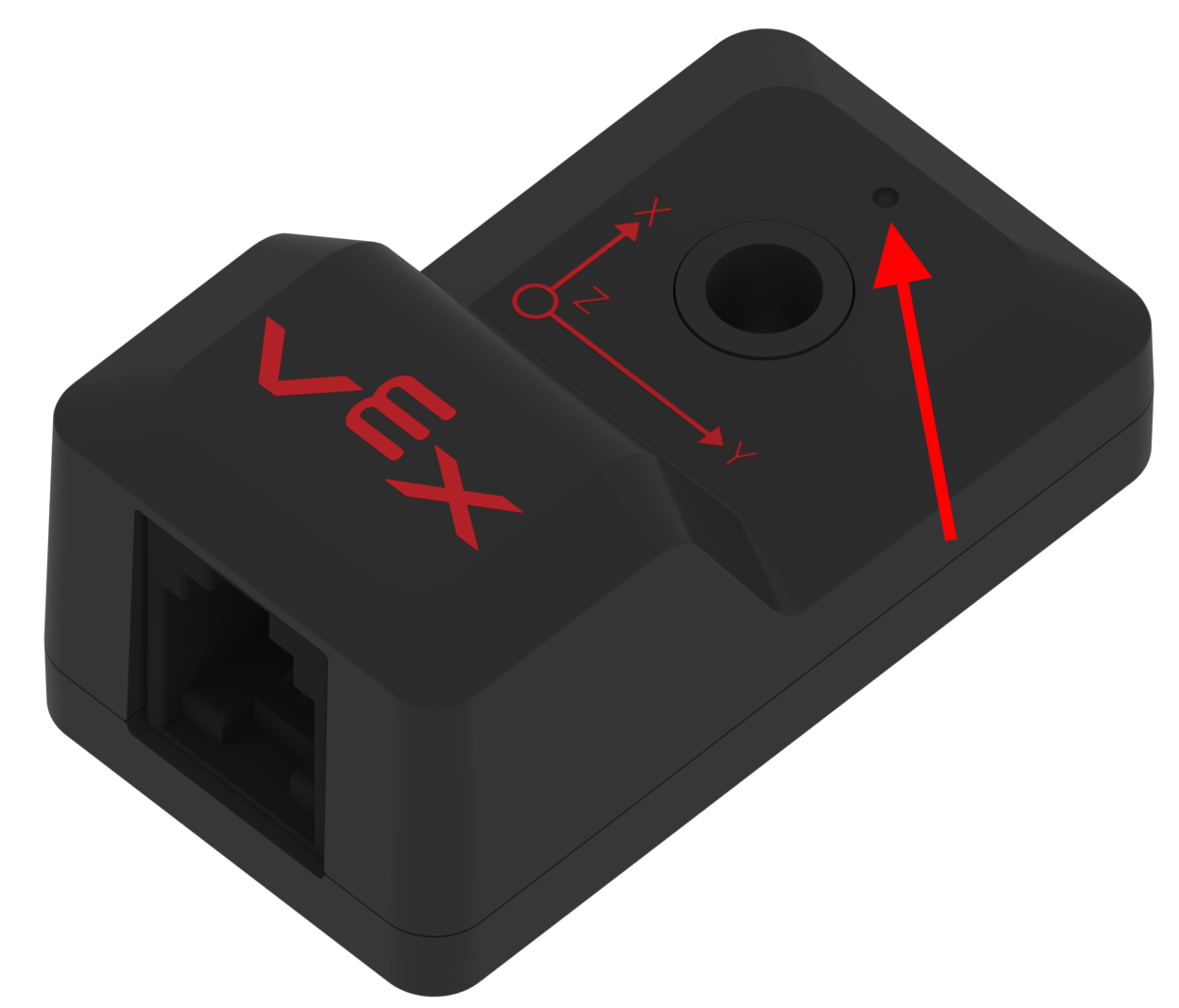
To define and use the inertial sensor, follow these steps:
pros::Imu inertial_sensor(1); // Initialize the inertial sensor on port 1You should always reset your inertial sensor when you initialize your code, and it generally will take a few seconds:
// In main.cpp
void initialize() {
    inertial_sensor.reset(); // Reset the sensor to zero
    pros::delay(2000); // Wait for 2 seconds to allow the sensor to calibrate
}
You can get the current inertial sensor values in degrees with the following commands.
double heading = inertial_sensor.get_heading();- get_heading(): Get the Inertial Sensor's heading relative to the initial direction of its x-axis. This value is bounded by [0,360).
There are other methods that you can use with the inertial sensor which can be found on the PROS Documentation.
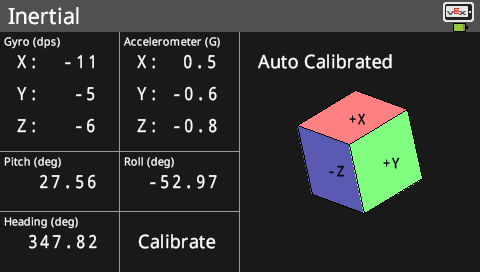
To set the position of an inertial sensor, you can use the following code as an example:
inertial_sensor.set_heading(90); // Sets the heading to 90 degreesCreate a new function: void turn(int degrees), make your robot turn to this specific amount of degrees using the inertial sensor and then make it stop moving once it is there. Assume your robot starts facing 0 degrees.
You might either notice that your robot turns very slow or it will overshoot the desired angle. In the next chapter, we will fix this issue using PID.
Distance Sensor
The distance sensor measures the distance between the sensor and an object. This can be useful for tasks such as detecting obstacles or measuring distances accurately.
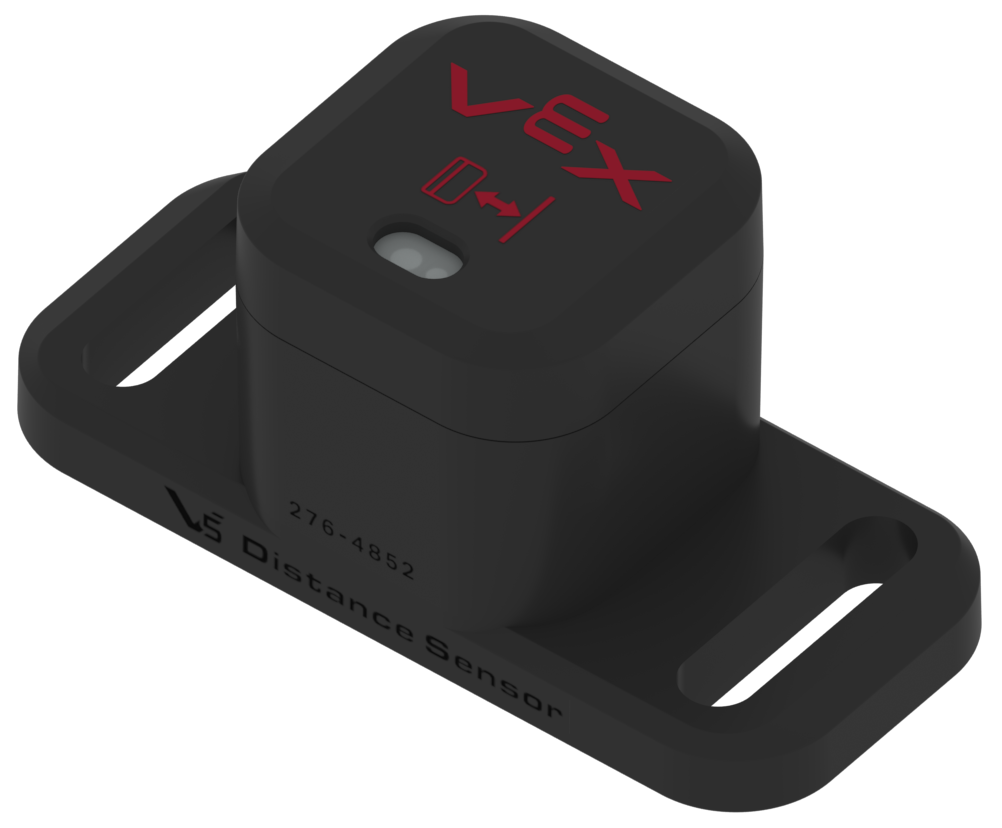
To initialize and use the distance sensor, follow this step:
pros::Distance distance_sensor(2); // Initialize the distance sensor on port 2You can get the current distance in millimeters with the following command:
int distance = distance_sensor.get();Given that 1 cm = 0.3937 inches. What is the formula to convert from the distance sensor value (distance) from the example above to inches?
Create a new function called turnUntilObstacle. This function should make the robot turn right until an obstacle is detected within 4 inches using the distance sensor. Once an obstacle is detected, the robot should stop moving.
Motor Encoders
By default, your motors have sensors built-in that can detect the number of rotations they have made. These units are usually in degrees, but you can change them when you define your motors. To get or reset the values of these encoders, you can use the following code:
motor.get_position(); // Get the current encoder value
motor.tare_position(); // Reset the encoder value to zero
Create a function that makes the robot move forward for 24 inches (1 tile) and then stop. Use the average of your motor encoders. Assume that your robot has a wheel diameter of 3 inches. BONUS: Make it so that the code can work for any wheel diameter and travel any distance by making them parameters or variables that you can change.