Collaborating With Others & Version Control
Learn how to use Github to share your code with others
Chapter 11 of 11
100%
Liveshare and GitHub
In this chapter, you'll learn about two essential tools for collaborative development: Visual Studio Code Liveshare and GitHub. These tools help you work together with your team and manage your code effectively.

Liveshare
Liveshare allows you to share your code and work on it in real-time with your teammates. You can edit code together, debug, and even share terminals.
- Install Liveshare Extension: Go to the Extensions view in Visual Studio Code and search for "Live Share". Install the extension.
- Start a Session: Click on the Liveshare icon in the sidebar and select "Start collaboration session". This will generate a link that you can share with your teammates.
- Join a Session: Your teammates can join the session by clicking on the link you shared. They will be able to see and edit your code in real-time.
GitHub
GitHub is a platform for version control and collaboration. It allows you to manage and track changes to your codebase, collaborate with others, and maintain a history of your project.
- Creating a Repository: A repository is where your project's files are stored. You can create a new repository on GitHub by clicking on the "New" button on the GitHub homepage and following the prompts.
- Cloning a Repository: To work on a repository locally, you need to clone it. This can be done by clicking on the "Code" button in the repository page and copying the URL. Then, in your terminal, use the command:bash
git clone <repository-url> - Committing Changes: When you make changes to your project, you need to commit them to your repository. This can be done using the following commands:bash
git add . git commit -m "Your commit message" - Pushing Changes: After committing your changes, you need to push them to the remote repository on GitHub:bash
git push origin main
NOTE: The above practices are only recommended for beginners. Pushing directly to the main branch is something you will almost never see in industry practices.
GitHub Desktop
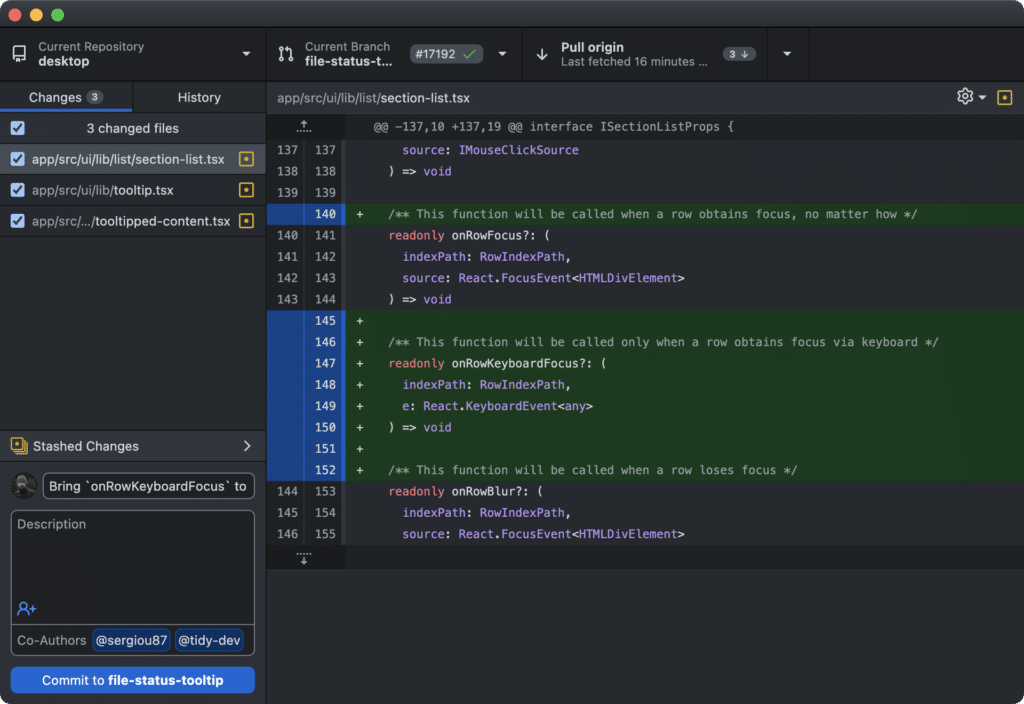
Similarily you can download Github Desktop which is a GUI version that makes it much easier for beginners to use.
Create a new repository for your VRC code on GitHub. Add a README.md file, commit the changes, and push them to GitHub.
What command do you use to add all changes in your local repository to be committed?